
EasyFlow Statistics
통계 분석을 더 쉽게,
결과는 더 분명하게.
Statistics made easier, with clearer results.
EFS는 변수 선택만으로 분석 조건을 검토하고, 논문에 바로 사용할 수 있는 결과표까지 만들어 주는 통계 분석 프로그램입니다.
EFS reviews analysis conditions from selected variables and produces result tables ready for papers and reports.
변수 선택만으로 분석 조건 검토
가정과 변수 유형에 맞는 분석 선택
논문에 바로 쓰는 결과표
Check assumptions from selected variables
Choose analyses by assumptions and variable types
Publication-ready result tables
변수 선택부터 논문용 결과표까지 한 흐름으로
From variable selection to publication-ready tables
EFS는 선택된 변수의 유형과 분석 가정을 검토해 적절한 분석 방법을 선택하고, 그 결과를 논문과 보고서에 직접 사용할 수 있는 표 형태로 정리합니다.
EFS reviews variable types and analysis assumptions, chooses the appropriate method, and organizes the results into tables that can be used directly in papers and reports.
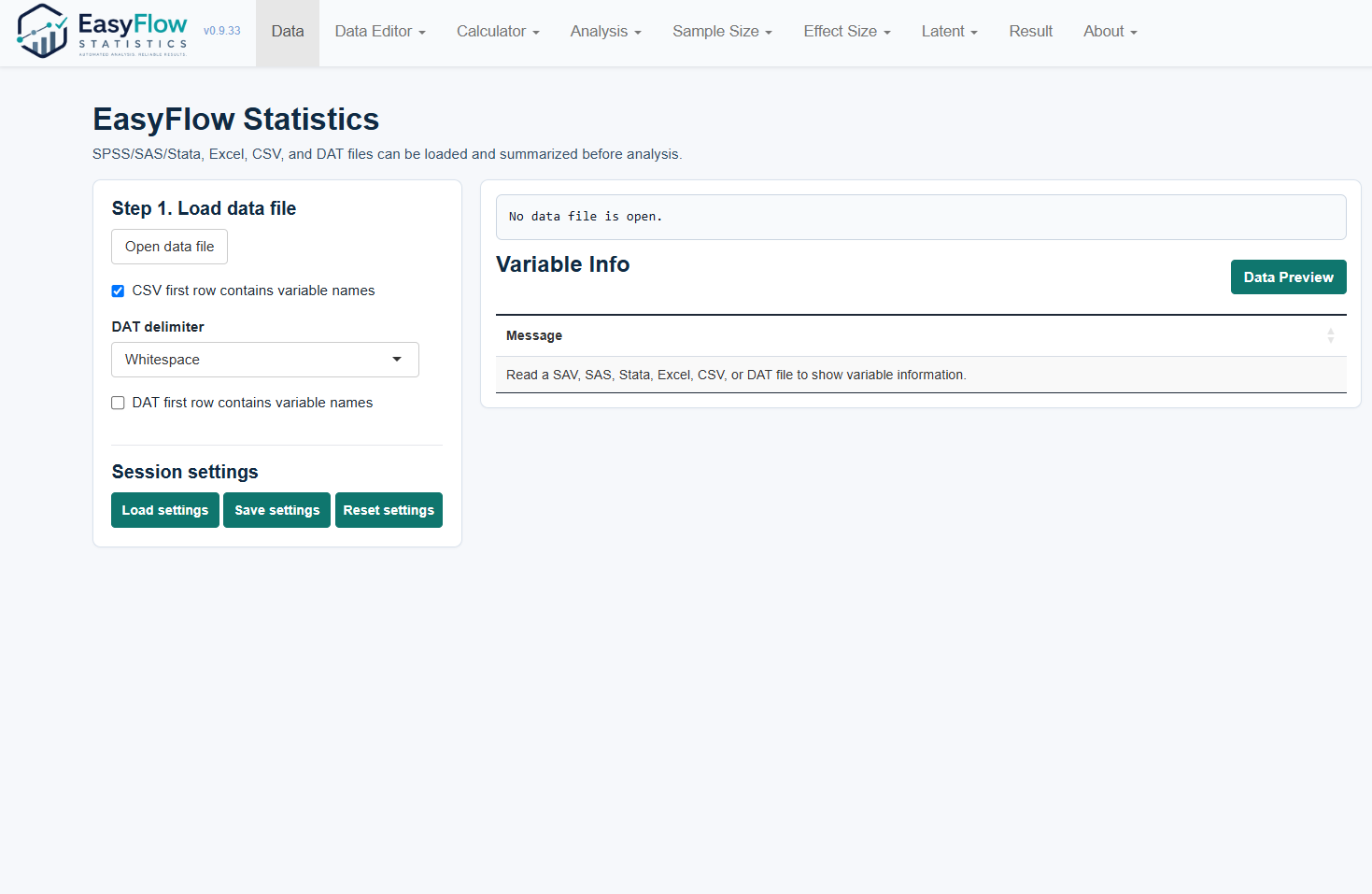
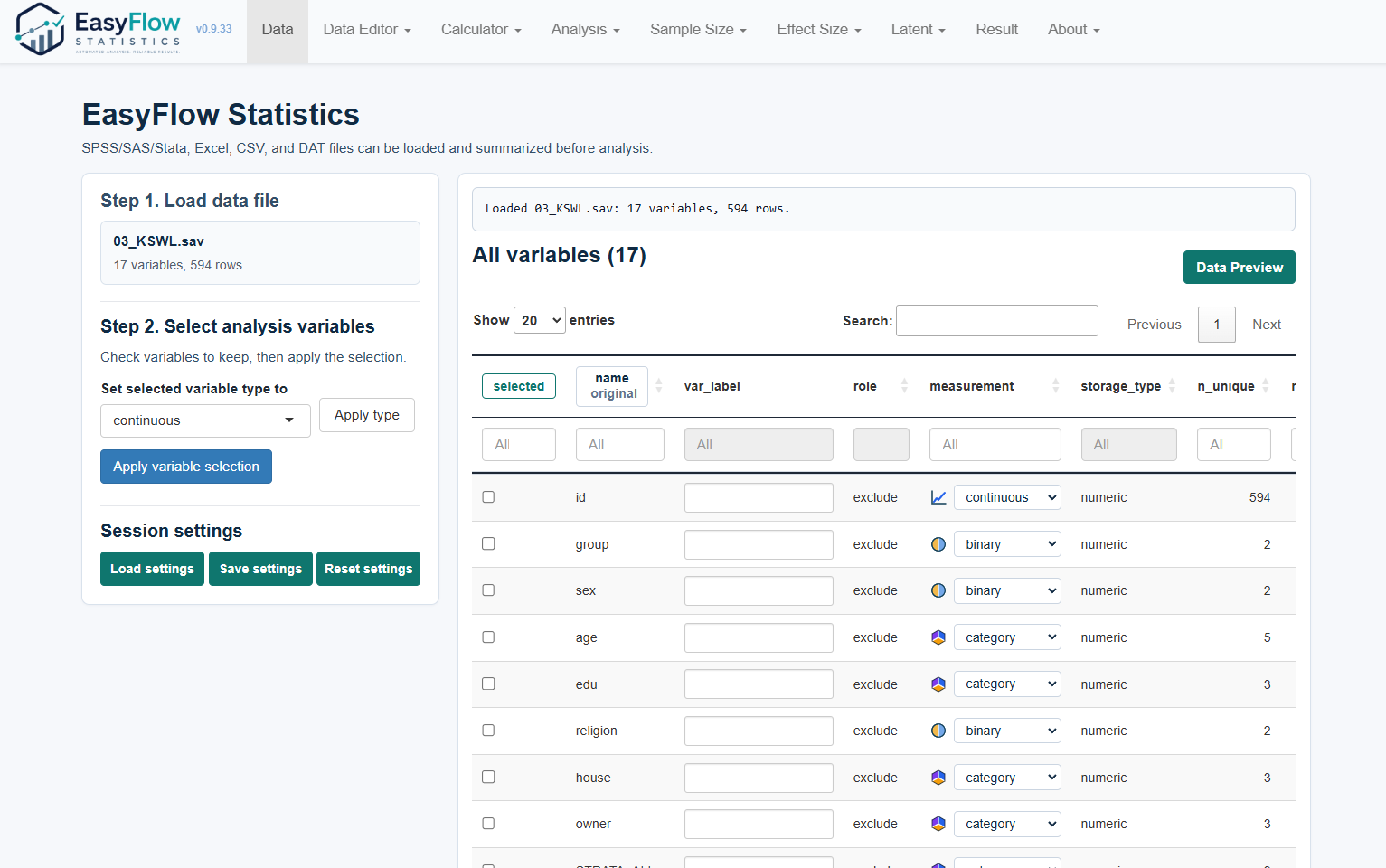
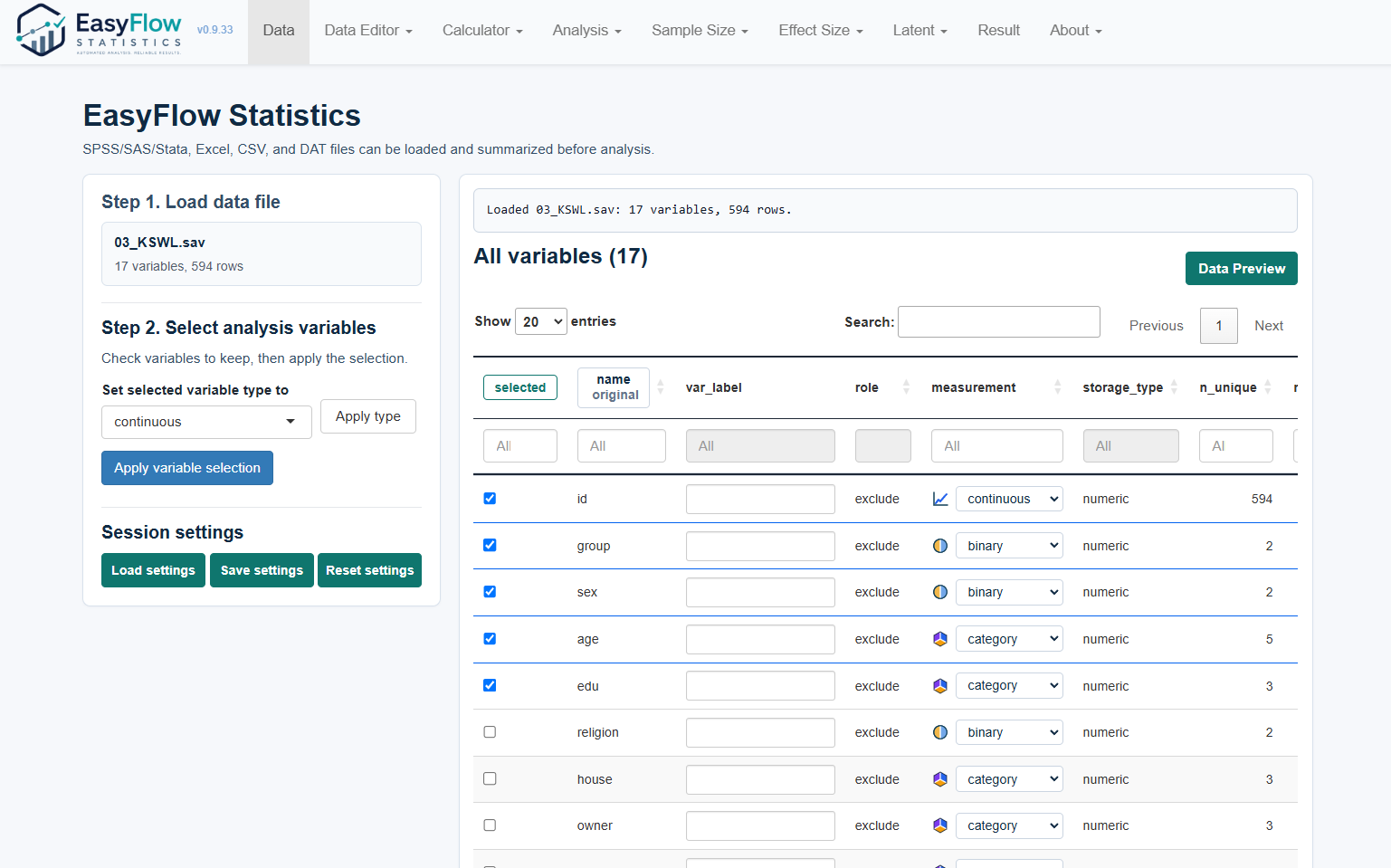

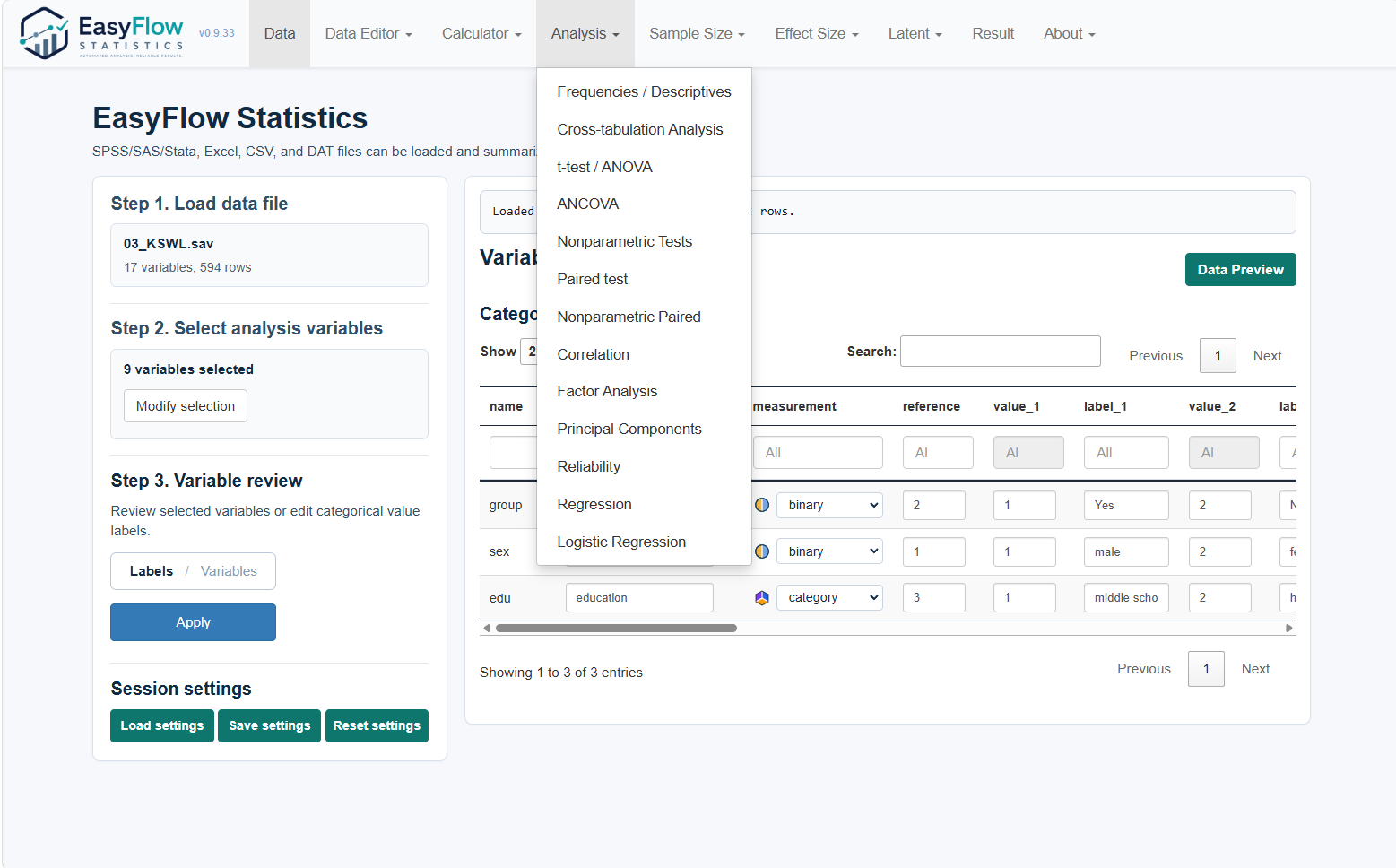



Load data
Analysis
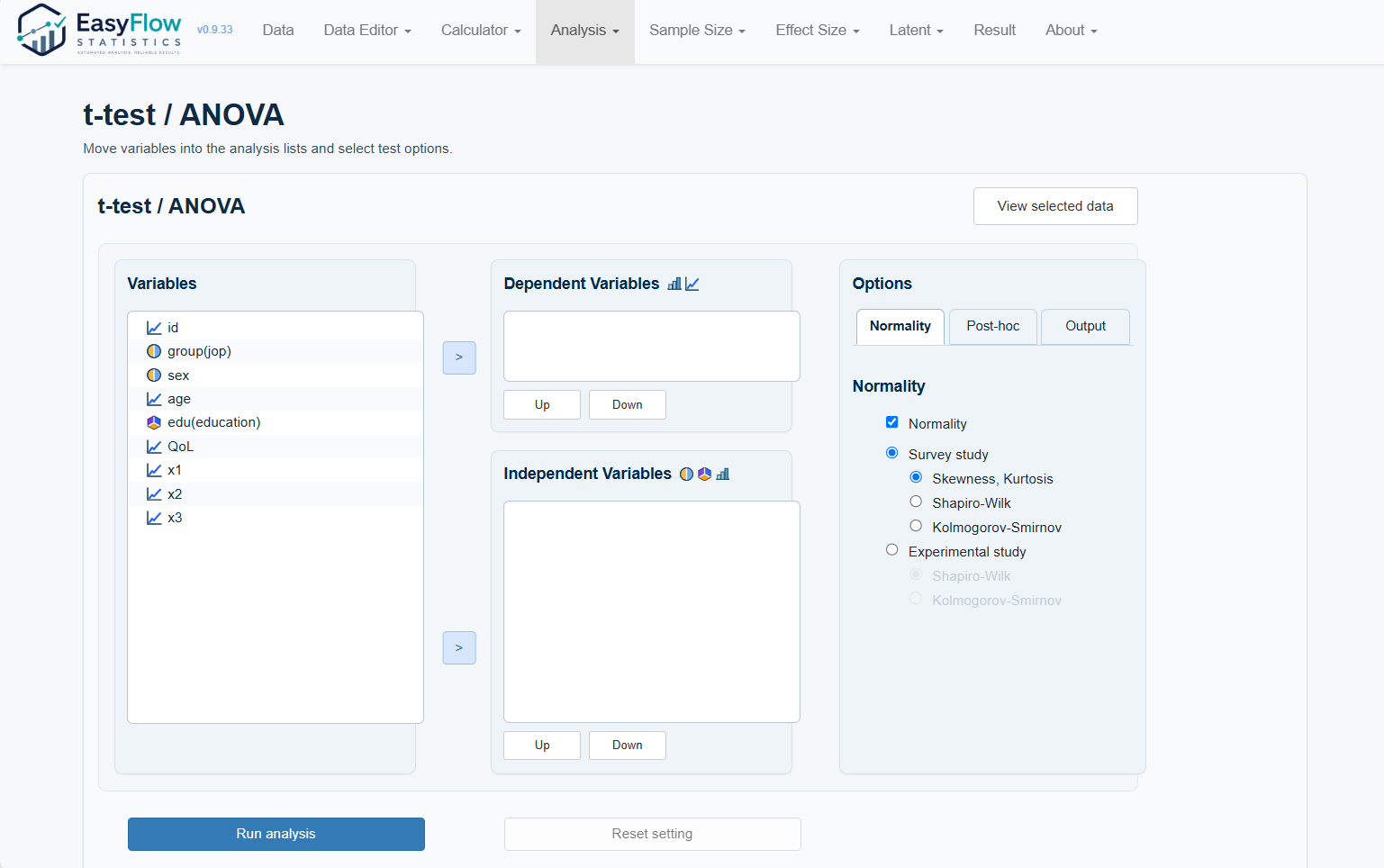
t-test / ANOVA
Apply variable selection
Run
Open data file
Checkbox
Selected checkbox
Apply variable selection
age: continuous
job labels
Apply
t-test / ANOVA
QoL - x3
Select
Dependent variables
Independent variables
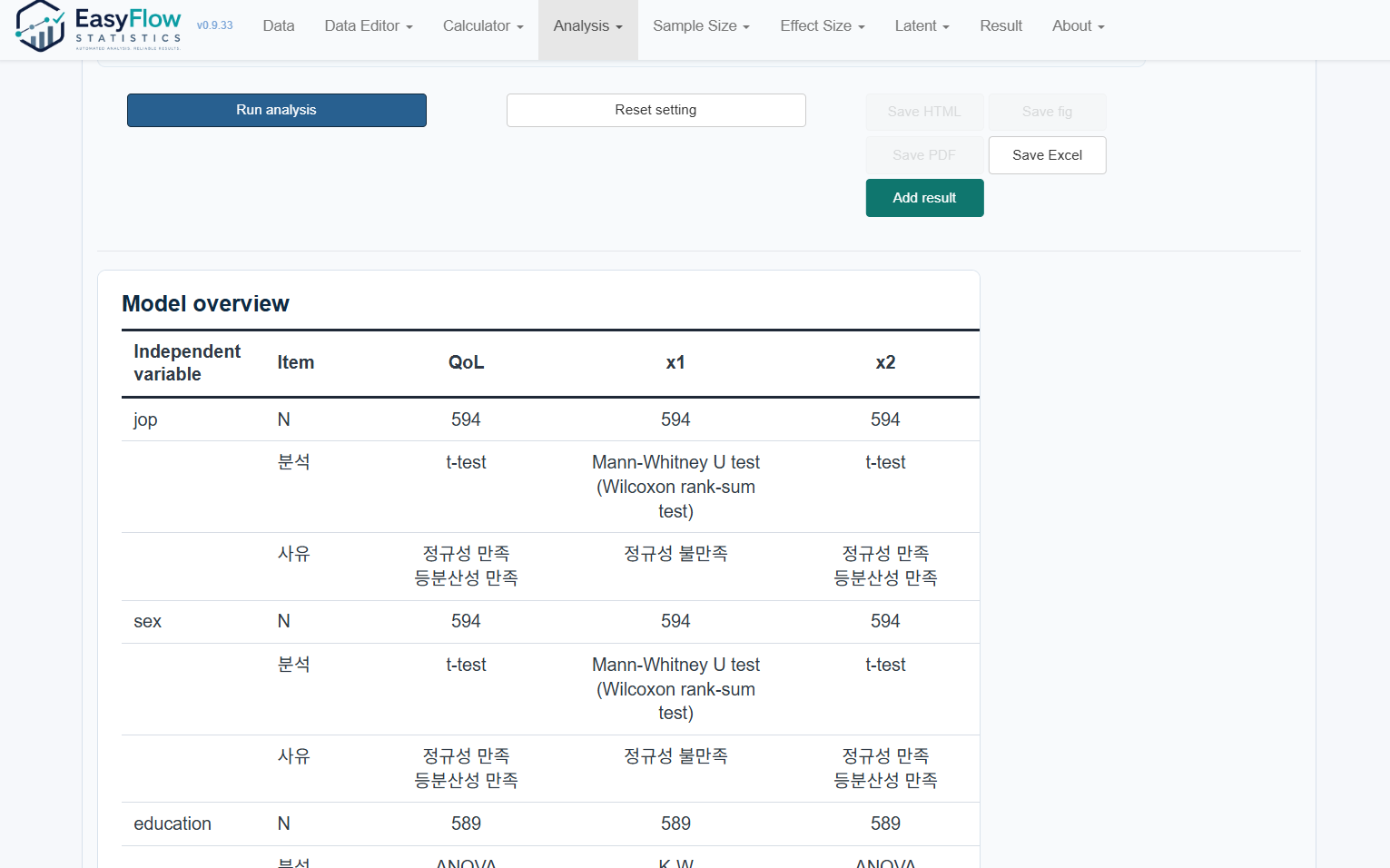
Run analysis
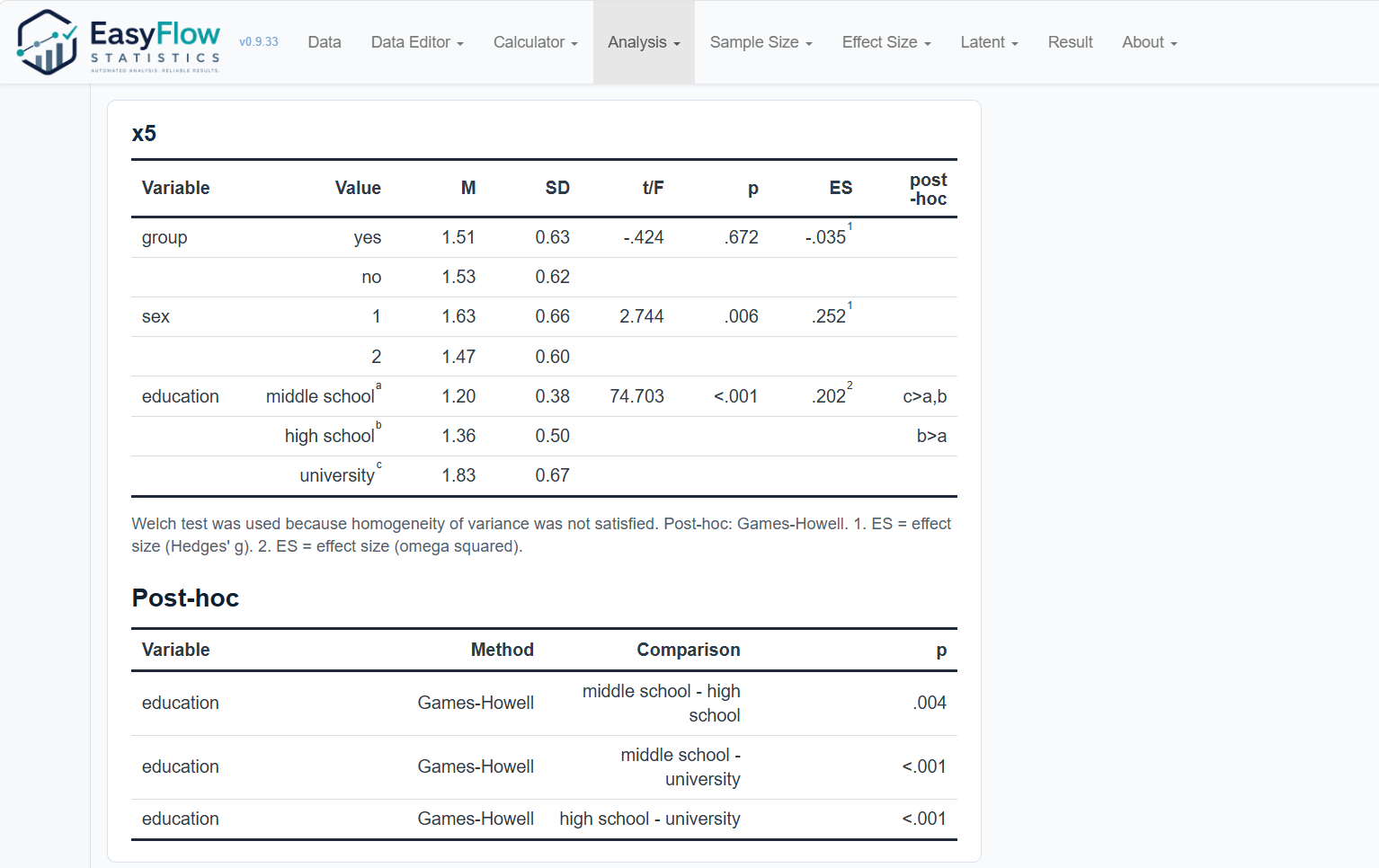
QoL table